Features
Foundations
Verso follows the way a manufacturing business actually works, from defining what you make, to tracking what it's worth, to getting it out the door. Everything below is built around that flow, not around a feature list.

Overview of Verso on macOS Light mode
Define what you make
Everything in Verso starts here. Before you can track stock, calculate cost, or manage an order, you tell Verso what you actually make, in three simple layers that build on each other.
Parts (single parts, mostly purchased parts)
The things you (mainly) buy. Raw materials, components, hardware — anything that comes from a supplier rather than being built by you. Each part carries its own cost, quantity, and supplier.
Assemblies (multi-level BOM, parts and sub-assemblies combined)
The things you build from parts. An assembly can be as simple as two parts combined, or as complex as a multi-level structure, an assembly built from other assemblies, built from parts. Change a part, and every assembly that uses it updates with it.
End items (finished products, with serial/frame number tracking)
The finished product. Built from assemblies and parts, ready to sell or ship. End items can carry their own serial or frame number, so you know exactly which components went into which unit, if you want to know.

View of an simple Bill of Materialis in the assembly detail view in Verso in dark mode
Know what you have
From the first parts, assemblies, and/or end items are defined, Verso keeps track of what's actually in stock, in real time, without a manual recount.
Stock levels
Every part, assembly, and end item carries its current quantity, updated automatically as items move in and out. No more checking three spreadsheets to find the real number.
Inventory value
See what your inventory is actually worth, calculated live from real cost prices — not a rough estimate you update once a quarter.
Multilocation
If you keep stock in more than one place, for example a workshop and a warehouse, Verso can track quantity over multiple locations. Most makers won't need this from day one, and it stays out of the way until you do.

Detail View of an assembly in Verso in dark mode
Know what it's worth
Margins aren't a guess in Verso. Every product's cost is calculated from the real components that go into it, not a number you set once and forget to update.
Cost price calculation
An assembly or end item's cost is built up automatically from the price of every part and sub-assembly inside it. Change a component's price, and the cost recalculates through everything that uses it.
Real margins
See exactly what a product costs to make against what you sell it for — so pricing decisions are based on what's actually true today, not what was true when you last did the math by hand.

View of an part price history in Verso in light mode
Work together
Verso isn't built for one person working alone. Invite the people you work with, and everyone sees the same data, the same stock, the same cost, the same orders.
Shared workspaces
Share your workspace with your team through iCloud. No separate accounts, no syncing spreadsheets by hand, everyone works from the same source of truth.
Activity feed
See what changed, who changed it, and when, across the whole workspace, or on a single part, assembly, or end item. If a colleague adjusts stock or edits a cost, you'll know.
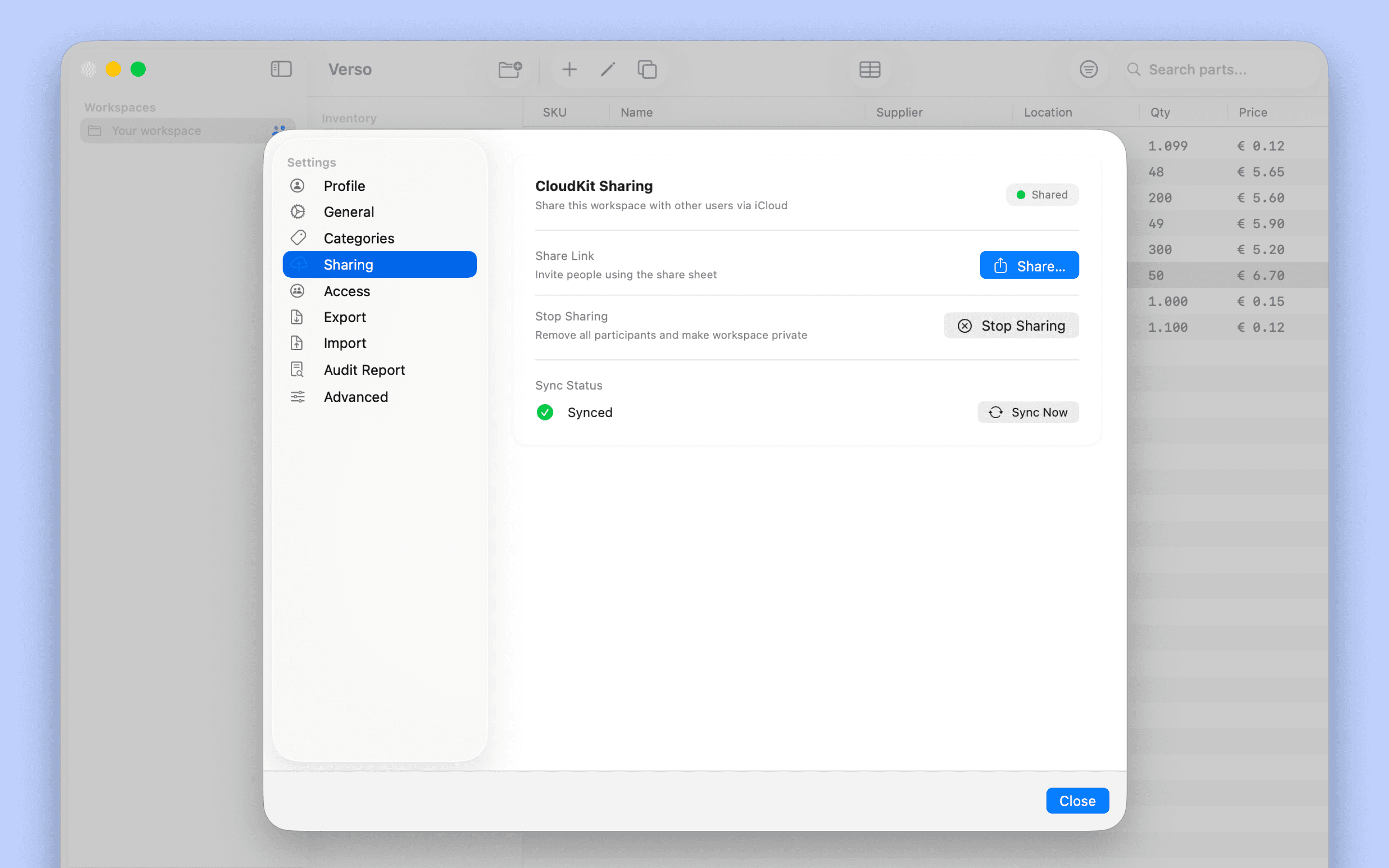
View of the 'Sharing' in settings in Light mode
Stay ahead
Running out of a component mid-build is the exact problem Verso was built to prevent. Instead of finding out when it's too late, you find out before it happens.
Low-stock alerts
Set a minimum for any part, assembly, or end item, and Verso tells you when you're getting close — across your entire inventory, not just the ones you remembered to check.
Purchase orders
Create a purchase order for any supplier when you need to reorder. In Free, you decide when. In Pro, Verso watches your stock levels and suggests what to order and when, before you run low.
Suppliers
Every part comes from somewhere. Verso keeps track of who you buy from, so that information is always one click away instead of buried in an inbox.
Supplier database
Store contact details, pricing, and notes for every supplier — linked directly to the parts, assemblies, and purchase orders that use them.
Bulk price editing
When a supplier raises their prices, update every affected part at once instead of hunting through your inventory one item at a time.
Get it out the door
Verso doesn't stop at what's in stock — it follows what happens when an order ships, so your inventory always reflects reality.
Package slips
Every shipment gets a package slip, listing exactly what's inside. Push it, and your inventory updates automatically — no separate step to remember.
Shopify and Wix sync
Connect your store and every order creates a draft package slip, matched to your inventory by SKU. Review it, push it, and Verso handles the rest — so what you see in your store always matches what you actually have.
Your data stays yours
Nothing you enter into Verso is used for market analysis, sold, or shared. Your parts, your costs, your customers — it's your business, and it stays that way.
Verso syncs privately through iCloud. Your data lives in your account, not on someone else's server, and it works offline when you need it to.

View of an part price history in Verso in light mode